

Documentation Index
Fetch the complete documentation index at: https://docs.statsig.com/llms.txt
Use this file to discover all available pages before exploring further.
Overview
You can set up a ChatGPT App (built on top of the Statsig MCP server), allowing you to query experiments, manage feature flags, explore analytics — all directly within OpenAI’s ChatGPT conversational interface.Installation
- Navigate to the Statsig App in the ChatGPT Apps Directory here.
- Click “Connect” and “Continue” to complete OAuth for your Statsig project.
ChatGPT App OAuth only supports Personal Console API Keys. Ensure your Statsig org owner has enabled Personal Console API Keys creation for your role here
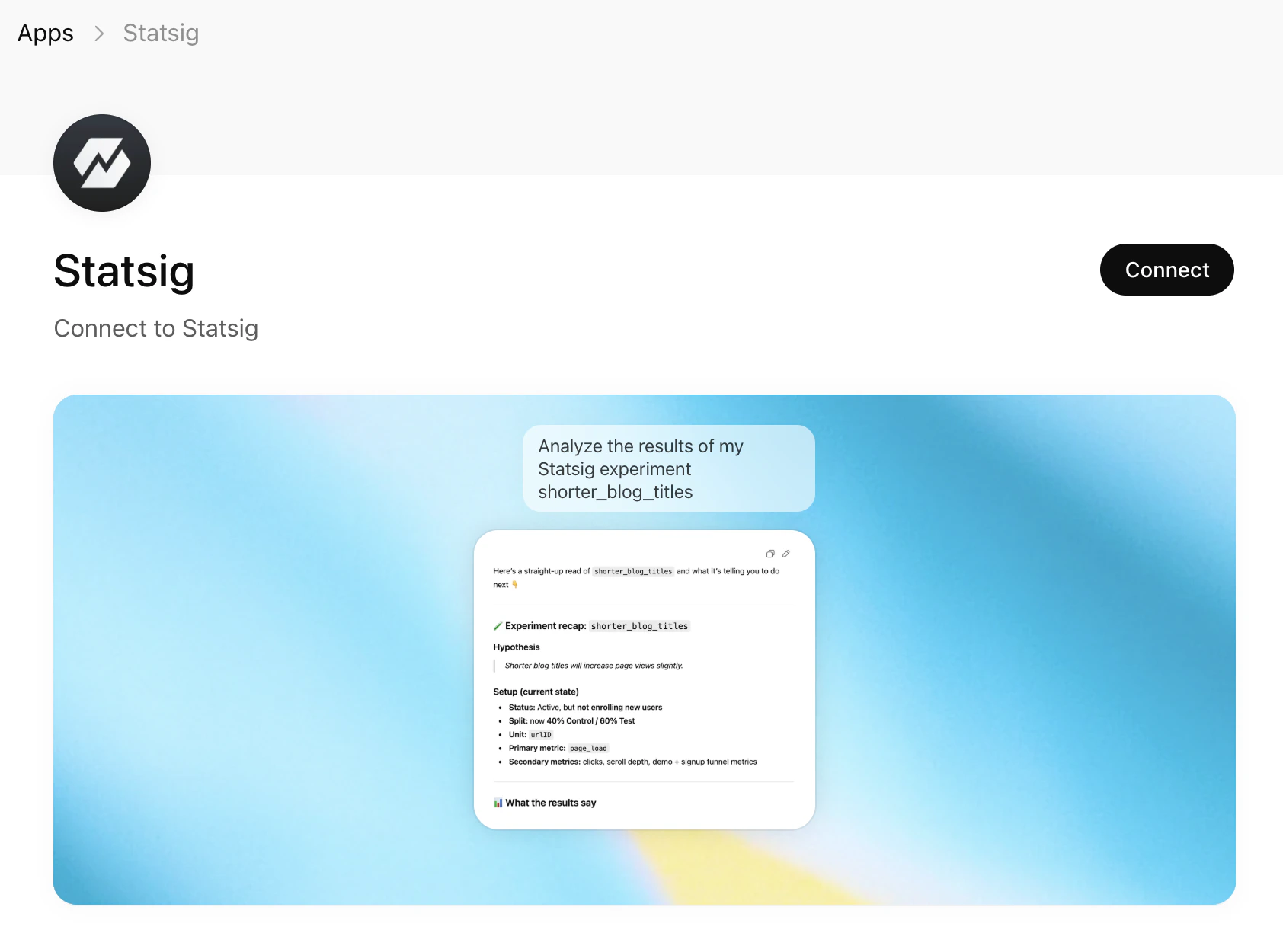
Using Statsig MCP within ChatGPT
With Statsig MCP configured in ChatGPT, you can:- Explore Experiments: “List all my active experiments”
- Manage Gates: “What gates are currently stale?”
- Configure Dynamic Configs: “Show me the configuration for the dynamic config ‘dynamic-config’”
- Get Insights: “Show me details about the experiment called ‘new-checkout-flow‘“
Next Steps
After installation, you can:- List experiments, gates, and dynamic configs
- Create and update experiments, gates, and configs
- Access your Statsig data directly from Codex